
Voice mail is a convenient option to most people, yet it can be very frustrating when undesired messages, spammers, or unneeded carrier fees begin to mount up. In case you do not need your voicemail on your iPhone anymore, you can turn it off in a few reliable ways. This guide discusses how to cancel voicemail on iPhone through various ways, such as MMI codes, iPhone settings, call forwarding control, and carrier support.
Table of Contents
How Voicemail Works on an iPhone
It is best to learn how the voicemail works before canceling the feature. In an iPhone, voicemail is not residing in iOS. Rather, it is controlled by your mobile network. Only the voicemail interface like Visual Voicemail or Live Voicemail are displayed on the iPhone, and the storage and routing are done by your carrier.
Why This Matters
When you are not being answered or when your phone is busy or unavailable, your carrier directs your call to a voicemail server automatically. That is, in order to deactivate voicemail, one usually has to block or eliminate such forwarding.
Method 1: Cancel Voicemail on iPhone Using MMI Codes
MMI codes are network commands which regulate forwarding settings. They are among the easiest and quickest methods of disabling voicemail.
How to Use the Universal Voicemail Disable Code
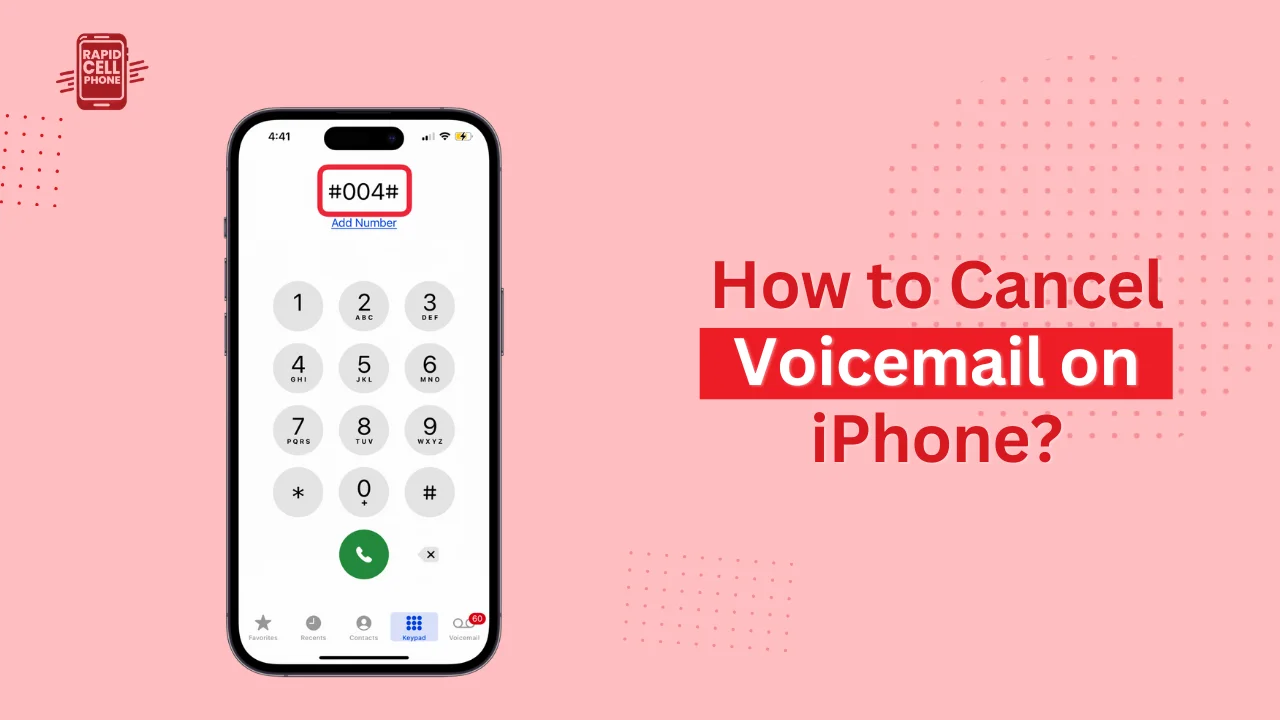
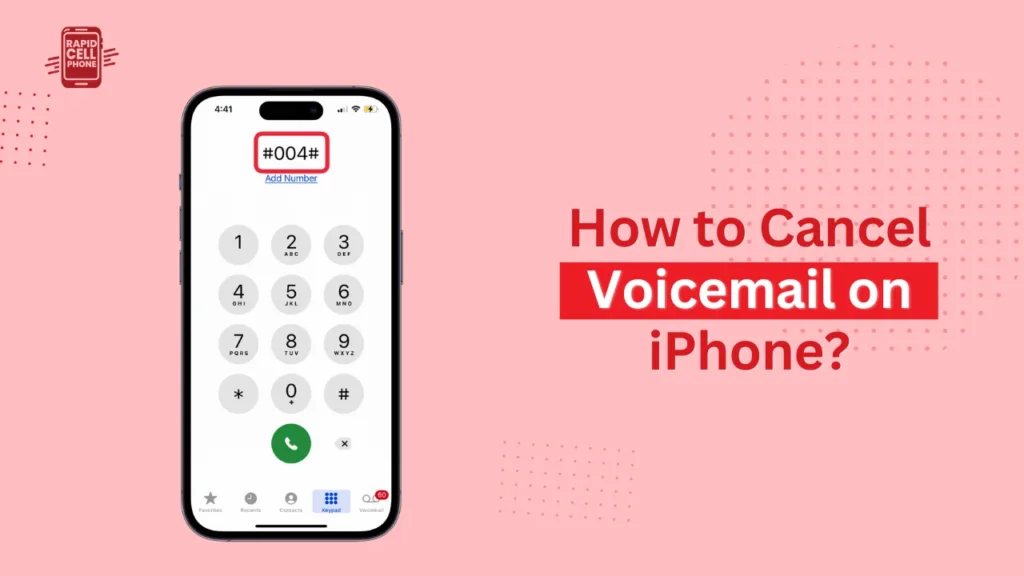
In order to apply this technique, open the Phone application, tap the keypad, enter ##004# and press the call button. A few seconds later, you must have a confirmation message that the forwarding settings were deleted. This will instantly prevent your phone sending calls that are not answered to voicemail.
Using Alternative Codes
In case the universal code fails your carrier, dial ##002# to destroy all forwarding rules or dialing #62# to cancel forwarding when you are inaccessible. These codes differ depending on the network, however, they do not damage your device in any fashion.
Why This Method Works
Voicemail also works solely on forwarding rules. After removing those rules, your phone will stop connecting to the voicemail server, which can deny your phone a chance to be connected with callers leaving a message.
Method 2: Turn Off Voicemail Features Through iPhone Settings
iPhone settings do not allow deactivation of carrier voicemail, though some types of voicemail can be suppressed.
Turning Off Live Voicemail in iOS 17
Live Voicemail offers live transcription. To disable it, go to Settings, scroll to Phone and tap Live Voicemail and then disable. This does not allow iOS to show the voicemail screen as an incoming call.
Adjusting Visual Voicemail Options
Visual Voicemail is a feature relying solely on your carrier, yet you can prevent callers leaving messages altering your greeting. Launch the Phone application, then select Voicemail, then click on Greeting, and record a message that informs the people calling that the voicemail is off or is unavailable. This would not turn off the feature but would discourage messages.
Method 3: Disable Voicemail Using Call Forwarding Settings
When supported by your carrier, it is possible to disable voicemail by disabling call forwarding.
Steps to Turn Off Call Forwarding
Go to Open Settings, choose Phone, call forwarding and turn the feature off. After turning forwarding off, your phone will no longer divert calls to voicemail.
Other carriers conceal this option on prepaid plans or simple packages. In case the option is not visible, you will be required to use MMI codes or request your provider.
Method 4: Cancel Voicemail Permanently Through Your Carrier
The surest method to switch off voicemail is to call your carrier and request them to switch it off their server.
What to Request from the Carrier
You can just inform the support representative: Do not leave voicemail on my number and do not add any call forwarding instructions to voicemail.
The request will be processed immediately and the feature will be removed by most carriers.
Why Carrier Deactivation Is the Most Effective
Although voicemail can be switched off with either codes or settings, in most networks forwarding is automatically enabled after updates to the system. Once the carrier disables the voicemail feature manually, it will not be enabled again until you ask.
Carrier Behavior Examples
Voice mail removal is supported by major carriers, such as AT&T, Verizon, T-Mobile, Vodafone, EE and O2. Others are self-service using USSD menus, but some also need to call customer care.
Method 5: Use Alternatives If You Don’t Want to Fully Disable Voicemail
Others are not willing to cancel the voicemail but would like greater control over the way messages are managed.
Using a Custom Greeting
A greeting with a custom message enables you to tell your callers that you are no longer dispatching messages. This renders the voicemail inactive and does not completely disable the option.
Using Third-Party Voicemail Apps
Applications like YouMail or VXT provide spam filter and control of voicemail. They are the best options when you desire voicemail features but not limited by your carrier.
Using Call Blocking
Spam is your primary issue, then spam protection and call-blocking applications are capable of sorting these unwanted calls without even touching the voicemail.
How to Confirm That Voicemail Is Disabled
Once any method has been used, one should check whether voicemail is successfully turned off.
Testing the Voicemail Status
Dial your number on a different phone and allow it to ring. When your voicemail is not working, the call will keep ringing, and will not be redirected to voicemail or will terminate with a message saying mailbox unavailable. In case voicemail is activated, use an alternative or call your carrier to have it completely disabled.
How to Remove Old Voicemails After Deactivation
Older messages can still be left on your iPhone even after voicemail is disabled.
How to Delete Old Voicemails
Launch the Phone application, select Voicemail, and then under the Deleted Messages activate Clear All. This erases the voicemail messages on your device.
Common Problems
Voicemail Reactivates Automatically
Other carriers turn voicemail on by default. Should this occur, the contact service regarding a permanent disable request.
MMI Code Errors
When you are given an error like Erasure Failed, then your carrier is not compatible with the universal codes. Assistance of the carrier is necessary.
Call Forwarding Option Missing
Certain networks do not display this setting in the iPhone menu. Then MMI codes or carrier help are required.
Visual Voicemail Still Appears
You might even have to reconfigure your network under Settings General Transfer or Reset iPhone Reset Network settings.
Conclusion
Turning off voicemail on your iPhone is not a difficult feat when you know how the system works. You like using MMI codes or adjusting call forwarding, editing your settings, or calling your carrier, each way will assist you to gain full control of your calls. To achieve a long-term and stable solution, carrier deactivation is the surest option. To activate it quickly, dialing #004# is applicable in most networks and it disables voicemail instantly.
FAQs About How to Cancel Voicemail on iPhone?
Can I cancel voicemail without calling my carrier?
Yes, most networks can be disabled with MMI codes like #004#.
Will disabling voicemail delete my old messages?
No, you have to delete them manually on the Voicemail tab.
Can voicemail be turned on again?
Yes, your carrier can turn back voicemail any time.
Does turning off voicemail stop spam calls?
It blocks spam voicemails but not calls.
0 Comments