

One of the largest unknown causes that make the iPhone storage fill up in less time than anticipated are duplicate photos. You might not realize it initially, but with time, downloading them again and again, swamping your feeds, editing and copying, and failure to sync, hundreds, perhaps thousands, of two-identically most duplicated images are silently created. This is not only a waste of storage but also complicates finding the photos that really matter.
In case you are wondering how to delete duplicate photographs on iPhone, this comprehensive guide will take you through all the sure methods. You will know how to utilize the inbuilt tools of Apple, how to delete duplicate photos on iPhone that cannot be detected by the iPhone itself, or what third-party applications can clean your photo album effectively and which are safe to use.
Table of Contents
Why Duplicate Photos Appear on iPhone
Duplicate photos do not occur randomly. Most of them are typically the byproducts of daily habits that most iPhone users do not give a second thought. Burst mode is one of the most prevalent causes. This is because when you take several photos in a short time, each shot is stored independently on iOS. Photo editing can also duplicate as the altered photo is usually stored in a different file.
Repetitive download of WhatsApp pictures, Facebook pictures, or email attachments all contribute to an increase in the number of copies in your library. In other instances, duplicates may be created by default when iCloud syncing is interrupted or the backups restored.
These duplicates recover over months or years and silently steal valuable storage space, slow down backups, and litter the Photos app.
How to Delete Duplicate Photos on iPhone Using the Photos App
In iOS 16, Apple has provided a built-in solution that enables one to effortlessly delete duplicate photos as never before. This option automatically scans your photo library and classifies the same images.
Using the Duplicates Folder in Photos
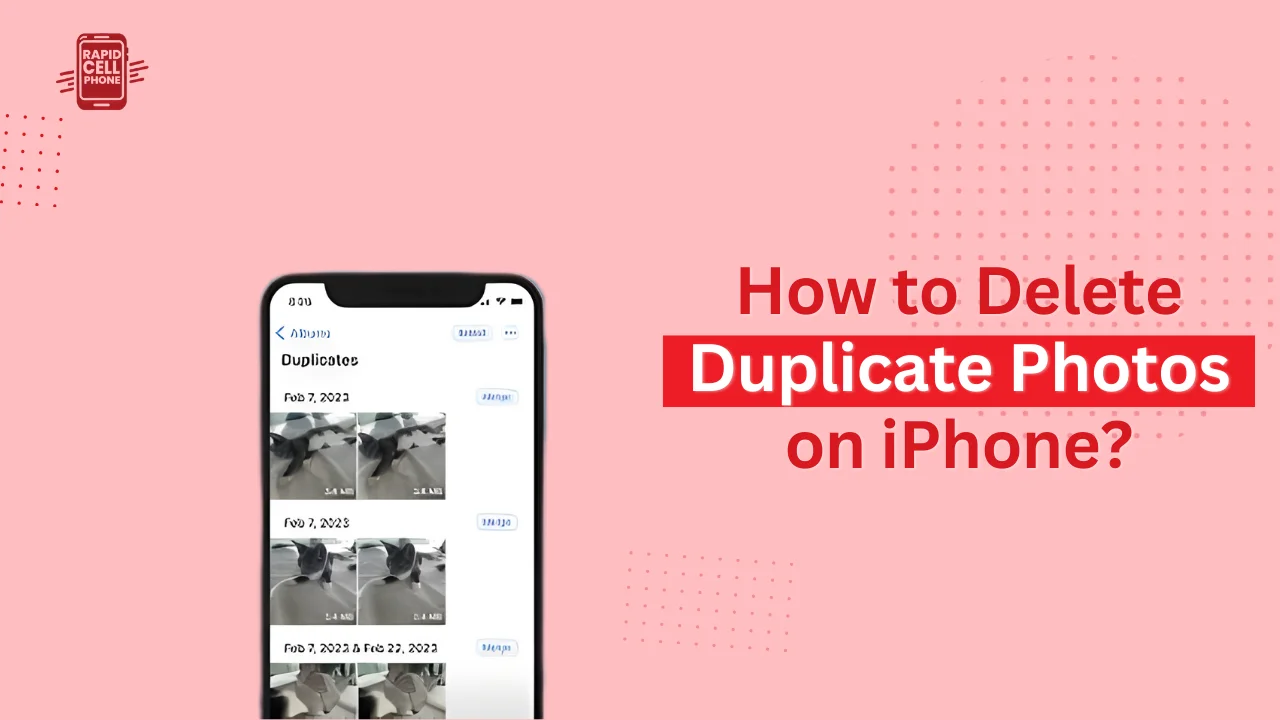
To use this feature, open the Photos app and tap Albums. Go to the Utilities section and tap on Duplicates. In this case, you will find sets of photos that iOS has treated as identical copies.
At the bottom of each group, there is an option to merge photos. Your iPhone builds the best version, including metadata, and automatically removes the rest when you tap Merge. In case you have many copies, you may also choose all and merge simultaneously.
It is the safest and quickest method of removing duplicated photos in iPhone without involving any third-party application.
Important Limitations of the Built-In Tool
Apple has a duplicate photo remover, but it has limitations. It does not find similar photos, only the exact duplicates. In case you shot the same object a few times with slightly different angles or moments, they would not be shown in the Duplicates folder. Also, the feature is not available on iOS 15 and earlier, and it might take time to finish the scan of the Photos app after an update.
How to Delete Similar Photos on iPhone Manually
Similar photographs are not duplicates. These are numerous selfies, almost identical screenshots, or several shots of the same scene that are spaced a few seconds apart. Regrettably, there is no automatic tool to inquire similar photos in iOS.
Manual Cleanup Method
The best manual method is to arrange your photo library by date. Open Photos, scroll through the library, and look at photos taken at or near the same time. You will see groups of almost similar pictures. You can manually select and delete the unnecessary ones there.
However, this approach is effective, but when your photo library includes thousands of photos, it is time-staking. At this point, third-party apps can come in handy.
Best Apps to Delete Duplicate Photos on iPhone
Third-party apps extend the built in feature of Apple by detecting not only duplicates but also resembling photos. They also assist in cleaning up screenshots, giant files, and unused photos and are thus an excellent choice in a deep clean of storage.
CleanMyPhone: Smart Duplicate Photo Remover
CleanMyPhone is an iPhone duplicate photo remover that can scan your photo library with the help of AI. It does not find exact matches but finds a visual similarity and calls them to be reviewed collectively.
The application has an easy swipe design enabling you to save the best photo and discard the rest. It processes all of that locally on your computer, so your photos are not stored in the cloud. This renders it a powerful alternative to users who have privacy and efficiency concerns.
CleanMyPhone also comes in particularly handy in case you desire a high-quality, smooth experience without exerting much effort.
Clever Cleaner: Free Duplicate Photo Cleaner for iPhone
Clever Cleaner is one of the best free applications you can use to delete duplicate photos on iPhone. It will search your library of duplicates and similar photos, screenshots, and even big videos without forcing the paywall. The application is not complex and can be used by beginners.
It enables fast cleaning sessions and suits users that seek efficient outcomes but do not need to subscribe to a premium plan.
Other Reliable Duplicate Photo Apps
A number of other applications are also useful in cleaning up duplicate photos, such as Duplicate Photos Fixer, Remo Duplicate Photos Remover, and Gemini Photos. They have slightly different functions but they are all designed to ease the process of organizing photos and cleaning up the storage process. No matter the app you use, you should always go over the photos before deleting them to prevent the loss.
How to Actually Free Up Storage After Deleting Photos
Erasing multiple photos does not necessarily free up space instantly. When you delete photos they are sent to the Recently Deleted folder and stay up to 30 days.
To get rid of them permanently, open Photos, tap Albums, and then tap Recently Deleted and delete everything in it. It is only after doing this that your iPhone will regain storage space.
This is a necessary step and usually ignored by users who are asking themselves why their storage is not increasing upon deletion of photos.
Tips to Prevent Duplicate Photos in the Future
It is not so difficult to avoid duplicates rather than to clean them up. It is important to remember the way photos are stored and synchronized.
Do not download the same photo several times using messaging apps. Check screenshots frequently and clear out the ones you do not require. In case you edit your photos regularly, you can use the option of replacing the original version rather than creating another one.
The library can also be kept tidy by running a photo cleanup app every couple of months. It is important to add important photos to Favorites so that they are not accidentally prior to deletion by the cleanup context.
Duplicates Folder Not Appearing on iPhone
In case you are on iOS 16 or above and still do not see the Duplicates folder, there is a likely explanation. Photos app takes time to scan your library particularly when you have a large number of images.
Stay plugged and locked with your iPhone and connected to Wi-Fi. It can also help to restart the device. Ensure that your iCloud Photos is completely synced because partial syncing will slow down the process of identifying duplicates.
In case the folder still does not show, a third-party application can scan it manually to identify duplicates instead.
Does Deleting Duplicate Photos Affect iCloud Storage?
Yes, the deletion of duplicate photos can retain both local iPhone storage and iCloud storage. After permanently deleting photos off Recently Deleted, the changes appear on iCloud, but also free up space in your iCloud account. This is particularly useful when you are constantly getting storage full notifications on iCloud.
Final Thoughts
One of the simplest tips of maximizing your iPhone storage space and enhancing the overall iPhone experience is learning how to delete duplicate photos on iPhone. The Photos app is a free and secure solution to exactly duplicate images, whereas the third-party apps deal with more in-depth image clarity and organization.
Regardless of whether you prefer a manual approach or a smart cleanup application, frequent photo care will keep your iPhone quick, tidy, and stress-free. It is best to make it a routine to clean up your photos and this way you will never need to panic about the storage again.
FAQs About
How do I delete duplicate photos on iPhone for free?
It is free to remove duplicates of images with the default Photos app on iPhones with the iOS 16 or later operating system. On Open Photos, tap Albums, scroll, and tap Utilities, tap Duplicates, and tap Merge to have extra copies automatically removed.
Why doesn’t my iPhone show the Duplicates folder?
The Duplicates folder might not show up as soon as one updates to iOS 16. Your iPhone is performing a scan of your photo library. Do not remove the charging wire, lock the phone and stay connected to Wi-Fi. Still missing, then your library might not have verbatim duplicates.
Can iPhone delete similar photos automatically?
No, the built-in tool in the iPhone only finds the precise duplicates. Duplicate photos, like selfies with duplicates or photos that are almost similar, have to be removed by hand or through a third-party duplicate photo cleaner app.
Does deleting duplicate photos free up iCloud storage?
Yes, when you delete duplicate photos, iCloud storage is released as long as the photos are deleted permanently after leaving the Recently Deleted folder. Modifications are automatically updated on all the devices sharing the same Apple ID.
Are third-party duplicate photo remover apps safe to use?
The vast majority of popular applications in the App Store are safe as long as they can handle photos locally and do not send pictures to third-party services. Always verify reviews and permissions prior to utilizing any duplicate photo remover applications.
0 Comments