
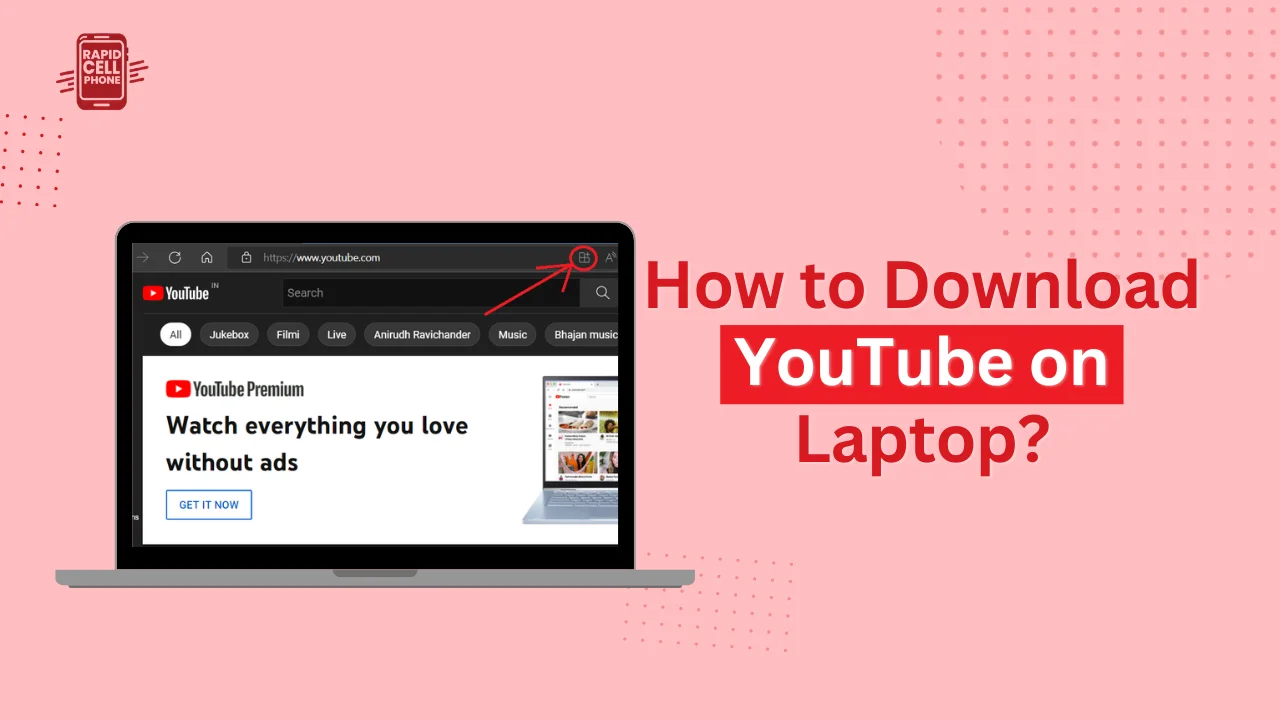

Should you be looking to download youtube on laptop, then it is most probably that you are intending to install YouTube as an application on your computer or find out how to download videos from YouTube on laptop to view offline. These two objectives are quite dissimilar, but most online guides confuse them together.
You will read about both methods in detail in this extensive guide. That is why we are going to discuss official options, practical alternatives, safety considerations, and legal awareness so that you can select the most appropriate approach to your needs.
Table of Contents
Download YouTube on Laptop
User intent should be clarified before getting down to step-by-step instructions. When individuals are searching download youtube in laptop, they typically intend one of the following:
- Installing YouTube as a desktop application.
- Saving YouTube videos as files.
- Video downloading to watch them offline.
Google owns YouTube and it is mainly operated within web browsers in laptops. There is no conventional desktop download as in smartphones. But there are sure alternatives to installing it as an application and even to download videos depending on what you need.
We will discuss each path one by one.
How to Install YouTube on a Laptop
Even though there is no official desktop installer of YouTube on either Windows or macOS, you can install YouTube as a Progressive Web App (PWA) in modern browsers. This provides you with an app-like experience without additional software.
Installing YouTube Using Google Chrome
The best and the safest way to install YouTube is by using chrome.
In the beginning, open Google Chrome and access youtube.com. After the site has loaded completely, you can see the three-dot menu appear on the top-right side of the browser. There, find the Cast, save and share option and choose the install YouTube. When asked, confirm the installation.
After installation, YouTube opens in a separate dedicated window, which is not connected to tabs in a browser. It acts as a regular desktop application and can be pinned to your taskbar or desktop.
This approach is safe as it is directly backed by YouTube and does not need third-party tools.
Installing YouTube Using Microsoft Edge
The process is the same in case you use Microsoft Edge. To install YouTube as a web app, open youtube.com, press the three-dot menu in Edge, select Apps, and install YouTube as an app.
The approach is similar to Chrome in functionality and functions well on Windows devices.
Installing YouTube Using an Android Emulator
Other users would choose to install the mobile version of YouTube via an Android emulator like BlueStacks. The emulator can be downloaded with the YouTube mobile app inside it, as you would on a smartphone.
Nonetheless, this approach is resource-consuming to the system and is not typically necessary unless you have a specific requirement of the mobile app interface.
How to Download Videos from YouTube on Laptop
And the second big purpose of the keyword how to download videos from youtube on laptop, we will discuss now.
It has two general avenues, namely the official subscription-based approach and third-party downloading instruments.
Official Method
YouTube Premium is the legal and safest method of downloading videos.
Once you subscribe, open a supported video and then press the Download button beneath it. You will be able to select your desired quality and the video will be stored to watch later.
One should realise that these downloads are saved in the YouTube system. They are not stored as MP4 files on your computer and are not transmissible to other devices. You have to visit them using your browser with your account.
YouTube Premium is also ad-free and directly supports creators of content.
Using Desktop Video Downloader Software
Desktop software offers more versatility, should you want to save videos as real files on your laptop.
Among the most utilized applications, there is 4K Video Downloader. Once the software is installed, paste the YouTube video URL into the software, choose which resolution you want to download, and download it. The video will be downloaded in MP4 or any other selected format directly to your laptop.
This application has the ability to help with high-resolution downloads, subtitles, and even complete playlists, which makes it user-friendly to those who require high-quality files.
yt-dlp is another potent tool that can be used by advanced users. It is a command-line program that enables the careful manipulation of video formats, resolutions and bulk downloads. Nonetheless, it is not user-friendly and demands technical expertise.
Using Online Video Download Websites
Others use online video download websites where they do not have to install anything. All you do is to copy the YouTube link and paste it over the site where you can select the format you want before getting the file downloaded.
These are convenient, but they usually contain obnoxious advertisements or pop-ups. Users are advised to be careful and not use questionable download buttons. Antivirus protection is strongly advised should you install it.
Choosing the Right Video Format and Quality
You can usually find several different formats like MP4, MP3, or WebM when downloading videos.
The most compatible format is MP4 and plays perfectly on almost all media players and laptops. It is the most secure option usually.
MP3 is acceptable when you require audio only, e.g. music or podcasts.
WebM files are smaller and designed to play on the web, although not all older devices can play them.
In terms of resolution, 720p is a good balance between quality and the size of the file. 1080p is sharper and should be used by most users. Resolutions such as 4K are much larger in size and demand more storage.
Is It Legal to Download YouTube Videos?
It is good to know the concept of legality before venturing into downloading videos.
The terms of service of YouTube typically limit the downloading of content unless the platform presents a download button. This implies that downloading copyrighted videos with third-party software can be a breach of the policies by YouTube.
Nonetheless, it is generally permissible to download your own work, Creative Commons videos, or anything that is copyright-free. Also, always make sure that you are allowed to download and use the content.
The most compliant and safest is the use of YouTube Premium.
Common Problems and How to Fix Them
The downloads occasionally fail because of a poor internet connection or an old version. Most of the problems can be solved by updating your downloader program or using an alternate video format.
When a download fails to work with a given file, compatibility issues can be resolved by installing a stable media player like VLC media player.
There are also limited videos that can block downloads with high quality because of regional or copyright restrictions.
Which Method Should You Choose?
When you want to focus on safety and compliance, the best option will be to install the YouTube web app and use YouTube Premium.
Desktop download software will provide a greater degree of flexibility but must be utilized in a responsible manner should you need permanent offline files to use.
All you need to do to get a pleasant app like experience without tabs in a browser is to install YouTube on Chrome or Edges.
Final Thoughts
When you are searching how to download youtube on laptop, you may do it with different purposes. You can either want an app-like experience or have to download videos to watch them offline, and there are several safe and effective options.
To the majority of users, the simplest approach to installing YouTube as a Progressive Web App in Chrome or Edges offers the most balanced simplicity and performance. YouTube Premium is the safest official solution to offline video storage.
FAQs About Download YouTube on Laptop
Can I download YouTube on laptop without installing any software?
Yes. YouTube can be installed as a Progressive Web Application using your browser, such as Google Chrome or Microsoft Edge. This does not involve installing any additional software and can be used with an app-like experience.
How to download videos from YouTube on laptop for free?
You can save videos as files with the help of third-party desktop software or online downloader websites. But the copying of copyrighted material by downloading it without authorization can be a contravention of YouTube terms. Never doubt the material being copied and used.
Is there an official YouTube app for Windows or Mac laptops?
No standard desktop installer. You can, however, install YouTube as a web application in Chrome or Edge, which is comparable to an application.
Does YouTube Premium allow permanent video downloads?
No. YouTube Premium allows downloading videos to watch them offline within YouTube. They are not stored as movable MP4 files on your computer.
What is the safest way to download YouTube on laptop?
The most secure way is to install YouTube on your browser as a Progressive Web App or subscribe to YouTube Premium to have the option of watching it offline. Do not visit suspicious third-party websites that might have malware.
0 Comments