

When you ever looked at the specifications of a computer, it is likely you have seen RAM listed next to the processor and storage. However, what exactly is RAM, and why it is of such great importance in terms of performance?
RAM is at the center of dictating the speed with which your machine performs, its ability to multi-task efficiently and how it manages intensive applications. You may be purchasing a new laptop, upgrading your desktop or you may just be trying to make sense out of your smartphone but you would need to know more about RAM.
In this guide we will discuss what is RAM, clear up what is RAM and ROM and thoroughly deconstruct what is the difference between RAM and ROM in simple practical terms.
Table of Contents
What Is RAM (Random Access Memory)?
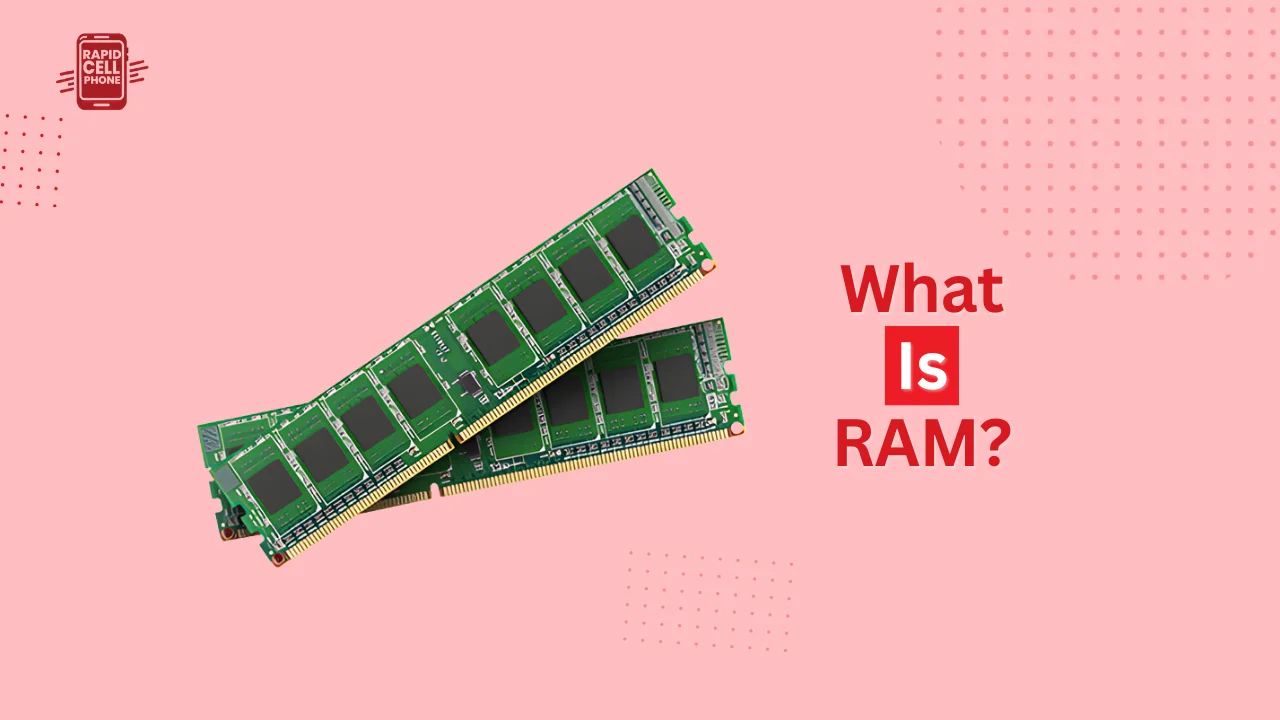
RAM is an abbreviation of Random Access Memory. It is a form of high-speed memory which temporarily stores data that your computer or other device is actively involved in.
When you launch an app, open the Internet, work on a document, or play a game, the system loads the necessary information into RAM so that the processor can locate the necessary information much faster. Since RAM can be read and written very fast, it is a major boost to performance.
In contrast to long-term storage devices, including SSDs or hard drives, RAM is volatile memory. This implies that any information held in it is lost when disconnected.
Why Is It Called “Random Access”?
Random access implies that the system can access any given memory address directly and immediately without first having to search through other data. This renders RAM very quick in comparison with conventional storage media.
How RAM Works Inside a Computer
To learn more about what is RAM, it is worth considering how it works in a system.
When you open a program, the operating system reads it in storage and loading it into RAM. The CPU then communicates with the data that is stored in RAM since reading data in RAM is much faster than reading data in hard drive or SSD.
RAM is a connection between the long-term storage and the processor. Even a strong processor will not be able to work effectively without enough RAM.
When your RAM is exhausted, the system routes some of your storage as virtual memory. Nevertheless, it is considerably slower and will cause a visible decrease in performance.
Types of RAM
Various kinds of RAM exist, with each having certain purposes in a computing system.
DRAM (Dynamic RAM)
The most widely used dynamic RAM is in computers. It memorizes every bit of information in a small capacitor and needs continuous refreshing to retain the information stored. Due to this refreshing, it is a little slower than SRAM but less costly and more prevalent as main system memory.
SRAM (Static RAM)
The reason why Static RAM is better than DRAM is that it does not need constant refreshing as compared to DRAM. But it is costlier and it occupies more space. This is why SRAM is often utilized in small size as cache memory within the CPU instead of functioning as the main system memory.
DDR RAM (Modern Generations)
New systems have DDR ( Double Data Rate ) RAM. Every generation is faster, better bandwidth-wise and more energy efficient. They are commonly found as DDR4 and DDR5. Modern generations are more efficient and adapted to new use and multitasking conditions.
How Much RAM Do You Really Need?
The RAM that is necessary depends on the use more or less.
Basic features such as web browsing, email, and office applications usually need 8GB of RAM. In the case of gaming, videotaping, or multitasking, the 16GB and above is more performance-friendly. The 32GB or more may suit professionals who work with 3D rendering, large data sets, or complicated editing software.
Increasing RAM will only enhance the performance provided that the existing memory is inadequate. After some threshold, extra RAM is unlikely to add much speed.
What Is ROM (Read-Only Memory)?
In order to grasp what exactly is RAM and ROM we should also have the meaning of ROM.
ROM is an abbreviation that means Read-Only Memory. ROM, unlike RAM, contains permanent instructions, which are needed to start and run the system.
ROM is non-volatile, i.e. it does not lose information when the device is switched off. This storage holds boot instructions or firmware that enables the computer to boot up hardware and install the operating system.
A computer would not have known how to start without ROM.
What Is the Difference Between RAM and ROM?
Among the most frequently asked questions is: what is the difference between RAM and ROM?
The main distinction is intent and instability. RAM is a temporary storage to hold the data required to carry out immediate activities, whereas ROM is a permanent storage to hold boot-up instructions.
RAM is volatile and its data is lost when the power is switched off. ROM has non-volatility and does not lose its data.
RAM has the capability of continuously reading and writing data. ROM, as its name implies, can be read only and seldom changed.
RAM is much faster as it enables active processing. ROM is slower yet vital in the initiation of a system.
RAM, in plain terms, enables your computer to run the programs efficiently, whereas ROM makes sure that the system is capable of booting and operating correctly.
Real-World Analogy to Understand RAM and ROM
Imagine your workspace.
RAM is your desk where you have documents that you are working with. They can be picked up, modified and replaced quickly. At the end of the day, all that is cleaned off your desk.
ROM resembles a permanent instruction manual in a drawer. It is stored information that is not movable and can be accessed when it is required.
This comparison underlines that the RAM is temporary and the ROM permanent.
Does More RAM Make a Computer Faster?
In many cases, yes. When dealing with an inability to multitask or slow tasks due to multiple applications running on your system, a RAM upgrade will address the problem.
But speed is not limited to RAM. There are also significant roles that are played by the processor, and the type of storage and optimization of the systems. Balanced systems work better compared to those that use high amounts of RAM.
Can RAM Be Upgraded?
RAM can also be expanded in desktop computers and most laptops by adding compatible memory modules. Nevertheless, there are also some newer ultrathin laptops and smartphones that have non-upgradeable soldered RAM.
It is essential to make sure you have the right type of RAM and required specifications in your device before upgrading.
Common Misconceptions About RAM
RAM and storage are often confused by many. Storage is a kind of permanent memory that stores files and applications, whereas RAM is a temporary memory that stores active data.
The other myth is that additional RAM automatically equates to peak performance. In practice, performance is determined by the interaction of the components of the system.
ROM as outdated is also something that is a source of confusion. Actually, ROM is critical since it contains firmware that is required to boot devices properly.
Why Understanding RAM Is Important
Understanding RAM can assist you in making wiser choices about how to buy or upgrade equipment. It enables you to think through specifications and to spend money wisely on features you do not need.
Learning the distinction between RAM and ROM will also enhance your general technical knowledge and assist in troubleshooting of slow computers.
Conclusion
One of the most important parts of any computing device is the RAM. It also stores active data temporarily and allows processing it fast and multitasking easily. ROM, however, holds permanent head start instructions needed to make the system work.
To summarize clearly:
RAM is working memory that helps to improve performance.
ROM is hard disk that makes sure that your system boots and runs.
Learning about what RAM is and what the difference between RAM and ROM is allows you to make a smart choice when selecting the devices, effectively upgrade them, and keep the system performance at its optimal level.
FAQs About What Is RAM?
What is RAM in simple words?
RAM (Random Access Memory) is the short term memory of a computer. It stores temporarily data and programs that are currently in use so that they can be accessed by the processor as quickly as possible.
What is RAM and ROM?
There are two computer memory types: RAM and ROM. RAM is the temporary storage of data, and ROM is a permanent storage of instructions necessary to start and run the system.
What is the difference between RAM and ROM?
Volatility is the great distinction between RAM and ROM. RAM is volatile and when power is turned off, it loses its data, but on the other hand, ROM remains non-volatile and stores its data permanently. Applications are run on RAM and boot on ROM.
Does more RAM make a computer faster?
Yes, additional RAM may enhance performance when the existing memory is inadequate. It assists in running heavy applications and multitasking. But the speed also relies on the type of processor and storage type.
Is RAM the same as storage?
No, storage is not RAM. Data is temporarily stored in RAM, and files, applications, and the operating system are permanently stored in storage (HDD or SSD).
0 Comments