
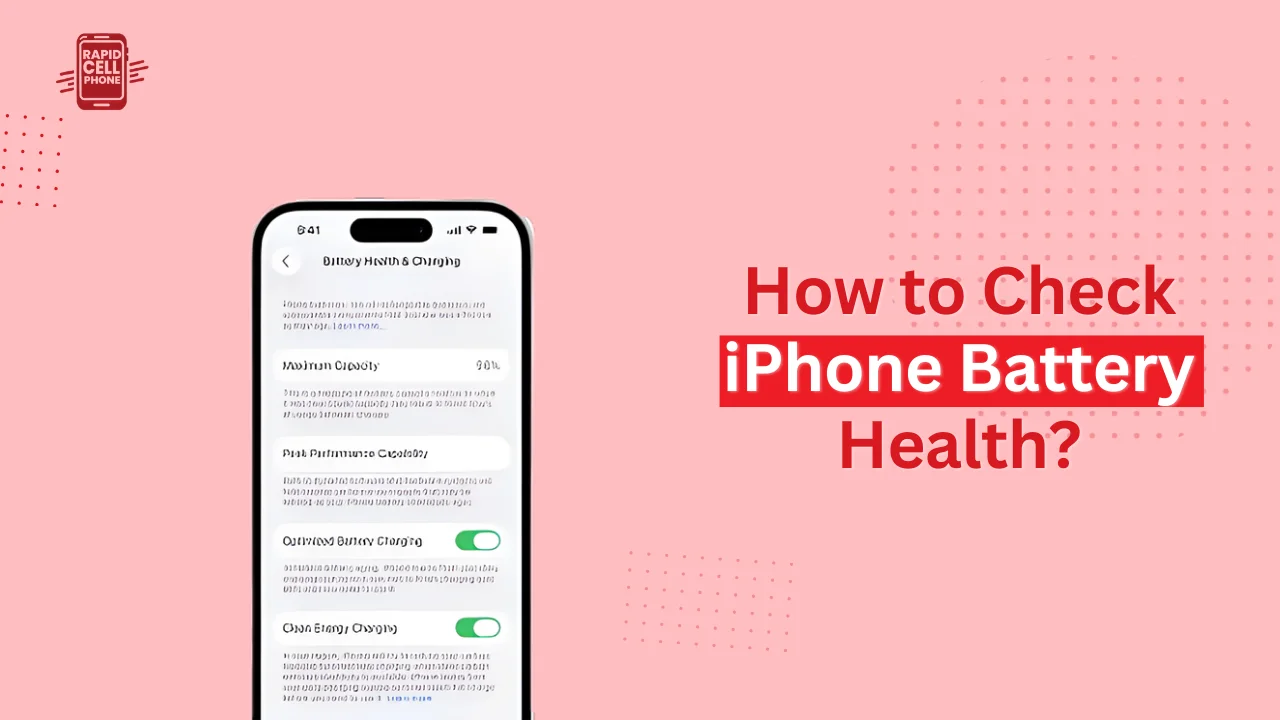

One of the most significant components of your iPhone is the battery, but this is also the most rapidly degrading element. With time you might find that the battery life reduces quicker, the performance is slower or even the sudden shutdowns. It is in this case that understanding how to check iPhone battery health is a requirement.
Apple offers in-built features that enable you to check battery health, know about capacity degradation, and make a decision when you need to replace your battery. In this guide, we will take you step by step through all you need to know, including how to check the battery health and cycle count, what the numbers all mean, and how to make your battery last longer.
Table of Contents
What Is iPhone Battery Health and Why It Matters
iPhone battery health is used to measure the amount of charge that your battery can hold in relation to its original amount when it was new. iPhones operate on lithium-ion batteries, which is why chemical aging cannot be avoided. The capacity of the battery to store energy decreases with age and this directly impacts the daily performance.
Battery health affects the duration of your iPhone on a single charge and the ability of your phone to achieve the highest performance when you have to perform something energy-consuming such as playing a game, recording videos or multitasking. iOS might lower the performance to avoid the unexpected shutdowns when battery health decreases considerably.
How to Check iPhone Battery Health Using Settings
The easiest and most reliable method to monitor battery health of iPhone is the use of the Settings app. Apple has created this functionality to provide users with a clear overview of battery state without the use of third-party applications.
Steps to Check Battery Health on iPhone
Additionally, enter the Settings application on your iPhone and scroll to Battery. On your iOS version, Tap on Battery Health or Battery Health and Charging. In this case, you will find two important indicators: Maximum Capacity and Peak Performance Capability.
Maximum Capacity is indicated as the percentage and it indicates your current battery capacity relative to a brand-new battery. Peak Performance Capability informs you either that your iPhone can still give full performance or that some performance management has been exercised.
This is the easiest way to check battery health on most current iPhones and the first method that Apple suggests should be used to check battery health.
Understanding Maximum Capacity and Peak Performance
The most significant figure to observe when monitoring iPhone battery health is the maximum capacity. The higher the percentage, the higher can be the amount of original charge your battery can retain, whereas the lower the percentage, the more degradation is apparent.
Peak Performance Capability describes the ability of your battery to handle high power loads. In the case that your battery is in a very weak state, iOS might reduce the performance to prevent any unexpected shutdowns. When this happens you will get a message that performance management is being executed.
How to Check iPhone Battery Cycle Count
A battery cycle count gives a better understanding of battery wear. The battery cycle is completed when you have used 100 percent of your battery capacity, despite the fact that it can be used in many charges.
Checking Cycle Count on Newer iPhones
On more current iPhones with newer version of iOS, Apple facilitates access to this information. In Settings, tap General, and then tap About. Go to Battery section, where you will see the number of cycles and manufacture date and first use.
Checking Cycle Count on Older iPhones
Even if your iPhone does not show the count of cycles directly, it can be accessed in Analytics Data or with a reliable iOS Shortcut that will retrieve battery data. This technique involves some additional steps but gives quality information on battery status.
What Is a Good Battery Health Percentage for iPhone?
A question many users ask themselves is what is the normal or acceptable percentage of battery health. In most cases, an iPhone with a battery of over 85 percent is in good shape and ought to work alright in its day to day operations.
When the battery health reaches between 80 and 84, then the battery is old but it can still be used. At a battery health below 80 percent, Apple officially suggests a battery replacement.
Users at this level are likely to encounter accelerated drainage, poor performance, and reliability problems. The iPhone batteries are typically engineered to sustain more than 80 percent capacity after about 500 complete cycles of charging under regular usage circumstances.
Why iPhone Battery Health Decreases Over Time
One thing that is natural is battery degradation, but some practices can speed up battery degradation. Charging frequently, charging to 100 percent, and intensive use of power-intensive applications all contribute to wearing off the battery.
Environmental factors also contribute to this. Battery reduction can be irreversible when your iPhone is exposed to extreme heat or cold. Software behavior can also add to the accelerated battery aging, e.g. with high background activity.
How to Maintain and Improve iPhone Battery Health
Although there is no way to prevent aging your batteries, you can delay it by picking up healthy charging and usage practices. Enabling Optimized Battery Charging assists in minimizing long-time wear by getting to know your routine of charging. You should also not leave your iPhone plugged overnight most of the time, and it is also best to maintain your battery at 20 to 80 percent when feasible.
Reduction of screen brightness, background app refresh, and use of certified chargers will also contribute to battery health. The minutest transformations in every-day habits can effect a perceptible change in the course of time.
When Should You Replace Your iPhone Battery?
You need to replace your battery when your iPhone is no longer reliable enough to last you all day, or when performance management affects usability. When battery life falls below 80, you find that your phone is shutting down or charging does not last long despite light usage, then the best solution is replacement.
A battery change, whether by Apple or an authorized service provider, can greatly enhance the performance and rejuvenate battery life, and can make the device feel almost new once more.
Final Thoughts
Being aware of how to check iPhone battery health will enable you know your phone better and avoid performance problems as well as schedule battery replacement in time. With battery health and cycle-count monitoring and implementing smart charging behavior, you can ensure the longevity of your iPhone and at the same time, enjoy a seamless flow of the phone.
FAQs About How to Check iPhone Battery Health?
Can I check iPhone battery health on all models?
Battery health is present in iPhones operating iOS 11.3 and above. Devices that are older can provide low battery information.
Why does my iPhone battery drain fast even with good health?
The state of the batteries is not updated quickly. Fast battery consumption may still occur due to high background consumption, as well as in the case of apps, display settings, or network conditions.
Does updating iOS reduce battery health?
iOS updates do not impair battery health. Nevertheless, updates can lead to temporary battery consumption due to background activities.
How often should I check my iPhone battery health?
It is good enough to check after every few months unless you notices that there is an abrupt battery performance problem.
0 Comments