

Slow browsing, broken websites, trouble with logging in and privacy issues can all be resolved by clearing cookies on your iPhone. Cookies are little files that websites keep to keep in mind your preferences and history. These files build up with time and can lead to performance problems. You will find out how to clear cookies on iPhone with all major browsers such as Safari and Chrome, and more; per-app; privacy options; troubleshooting; and frequently asked questions in this comprehensive guide.
Table of Contents
Understanding Cookies and Why They Matter
What Cookies Do on Your iPhone
Cookies are used to keep websites in memory of your logins, shopping carts and what you liked to browse. Cookies make it faster when you visit the same site again and give it a less painful experience. But cookies also save tracking data, and this is why advertisements can feel personal or overspecialized.
Why You May Need to Clear Cookies
Clearing cookies is required when pages are not loaded correctly, the sites do not act normally, or the browser is slow. There are cases where login sessions get corrupted, causing permanent sign-outs or the inability to log in to accounts. These issues are usually resolved by setting your cookie data back to default. Clearing cookies removes you off of sites, but it also gives your browser a clean sheet and enhances performance and privacy in general.
How to Clear Cookies on Safari
The default browser of the iPhone users is Safari, meaning that the majority of cookie data will be stored here.
Clearing All Cookies in Safari
To delete all cookies and browsing history, tap the Settings app on your iPhone and find Safari at the bottom. Within the Safari environs, tap Clear History and Website Data and verify your selection. This deletes Safari browsing history, cookies, and cache files. Once this has been done, websites might actually take a second longer to load, but they will then reconstruct new error-free data.
Removing Cookies for One Website Only
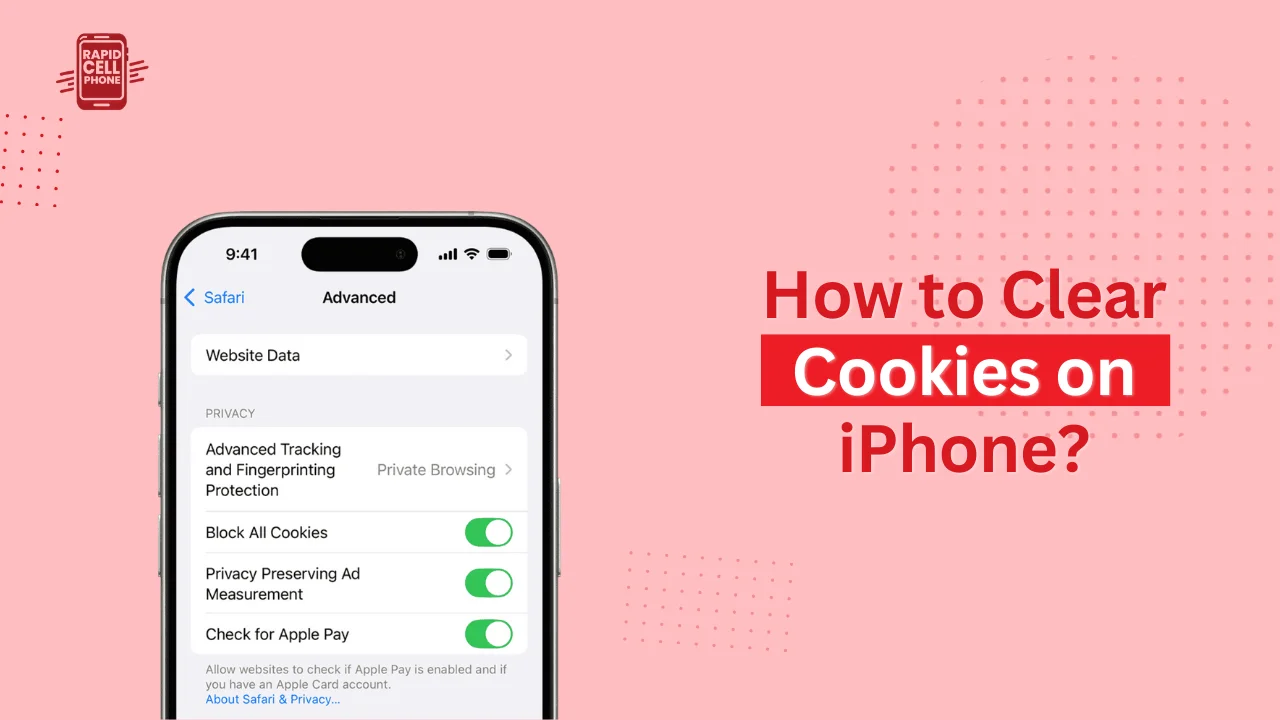
When you are having problems with a single site, then there is no need to empty all the sites. Rather, you can only target cookies in that particular site. Open Settings, choose Safari, scroll to Advanced, and tap Website Data. It shows a list of websites and their storage capacity. You may find a site and can swipe left on the name and tap Delete. This approach comes in very handy when a particular site performs poorly and others do not.
What Happens After Clearing Safari Cookies
After Safari clears cookies, your preferences of websites change and your logins are terminated. This implies you might have to sign in once more the next time you visit. After the reset, the Safari reloads new data, and that is why the pages work correctly once again. Stored passwords in the iCloud Keychain will not be affected.
How to Clear Cookies on Chrome for iPhone
Chrome is favored by many users of iPhones and it maintains its cookies in different locations. The procedure is not like Safari, but equally easy.
To delete Chrome cookies, open the Chrome application and tap the three dots in the lower right corner. Go to the Settings, choose Privacy and Security, and then Clear Browsing Data. Chrome gives you the option of time period like the past one hour or the entire history. To delete cookies, in particular, make sure Cookies, Site Data has been selected, and delete cookies. After doing this, Chrome removes site login history, ad tracking history and site preferences.
How to Clear Cookies on Firefox, Edge, and Other Browsers
Clearing Cookies in Firefox
Firefox saves cookies information in its private data section. To clear it, launch Firefox and open the menu then go to settings. In the Data Management section, activate Cookies and touch Clear Private Data. This will delete browsing data contained in Firefox WebView.
Clearing Cookies in Microsoft Edge
When you use Microsoft Edge, open it and select the menu. Go to Settings and tap Privacy. There is the Clear Browsing Data option within. Click Cookies, verify the action, and Edge will delete all cookies storage.
Clearing Cookies in Opera and Brave
The same applies to Opera and Brave. You may access the Settings, expand the Privacy section, and choose Clear Browsing Data. These browsers give you the option to remove cookies without erasing history that makes the process flexible based on what you desire to erase.
How to Clear Cookies Stored Inside Apps
Why Apps Store Cookies
WebViews are built-in browsers found in some apps. Applications such as Facebook, Instagram, Tik Tok, Pinterest, and Amazon handle the content of websites internally, which means they are also used to store cookies and site data. These cookies at times reduce the speed of apps, crash them, or do not load pages.
Removing App Cookies by Offloading the App
To delete cookie data by keeping your account data, you can offload an app. The choice removes all data that is temporary such as cookies and saves your documents and settings. In order to do this, you need to visit Settings → General → iPhone Storage and then tap on the app. When the process is complete, reload the application in the App Store.
Removing All App Cookies by Deleting the App
To reset completely, delete the app completely. This will delete all the files that the app had placed on your phone cookies, cache, and other temp files. Stick with the app icon, tap Remove App and confirm. Re-installing the application will re-download a clean copy of the application without the previous corrupt cookie information.
Browse Without Saving Cookies
Using Safari Private Browsing Mode
To avoid cookies being saved the first way, Safari can be put on Private Browsing mode, which is a simple solution. In the Safari, press the tabs button, and go into a Private mode. Cookies, browsing history and temporary files will not be stored in any site you visit here. After you close the tab, the session vanishes.
Enabling Cookie Blocking in Safari
Safari can block cookies. It can be used by those users who are privacy aware but some websites might not work properly. In order to do this, go to Settings and then, go to Safari and switch on Block All Cookies. Should you find issues later you can just resume the feature.
Using Chrome Incognito Mode
The Incognito mode of Chrome is similar. Browsing in incognito tabs, Chrome does not retain cookies and history and even form data. This mode best suits temporary browsing or sensitive browsing.
Troubleshooting Problems That Prevent Cookie Clearing
Safari’s “Clear History and Website Data” Is Grayed Out
In case you are not able to tap this option, it is probable that Screen Time restrictions are turned on. This can be corrected by going to Settings, Screen Time, Content and Privacy Restrictions and enabling modifications. Devices controlled by schools or places of work can also impose limitations where you require permission of the administrator to delete data.
Cookies Reappear Immediately After Clearing
There are websites, which automatically reset the important cookies once you reload them. This is nothing unusual, particularly when it comes to websites that you are logged in to. Email services, social media sites, and banking websites frequently generate new session cookies. If you do not want this, then use the mode of Privatization or the mode of incognition.
Websites Still Not Working After Clearing Cookies
In case issues are persistent, attempt to clear cookies of the particular site via the Safari Advanced window under the Site Data. Also, you want to consider force-closing your browser and turning your iPhone back on, so that all old data is cleared out of memory.
When You Should Clear Cookies
You do not have to clear cookies on a daily basis. The majority of users would only require it after a few months or when certain issues emerge. It is also useful when selling your device, changing accounts or seeking solutions to a malfunctioning website. Clearing cookies is a way of returning websites to their default mode so that they can perform again in a clean and efficient manner.
Final Thoughts
Learning how to clear cookies on iPhone is crucial towards the smooth browsing speed, privacy and solving of site problems. Regardless of whether you are using Safari, Chrome, Firefox or any Internet application that has been used to store web data, the following steps can be used to quickly reset cookies and get the best performance again. This can be used together with Private Browsing or Incognito mode to limit cookie storage further and keep your browsing history clean.
FAQs About How to Clear Cookies on iPhone?
Does clearing cookies delete saved passwords?
No. Cookies and passwords are stored independently in iCloud Keychain where passwords are saved even when clearing radio cookies.
Will I be logged out of websites after clearing cookies?
Yes. Sessions on websites stored in cookies expire with the deletion.
How can I clear cookies for just one website?
Select the Settings part, then Safari, Advanced, Website Data, find the site and delete it only!
Do cookies slow down my iPhone?
Cookies do not make the device itself slow down, but they can make the websites slow down in case the stored information becomes too big or corrupted.
Is it safe to clear cookies?
Yes. Clearing cookies is completely secure and can be used to enhance privacy, speed and the performance of the web pages.
0 Comments