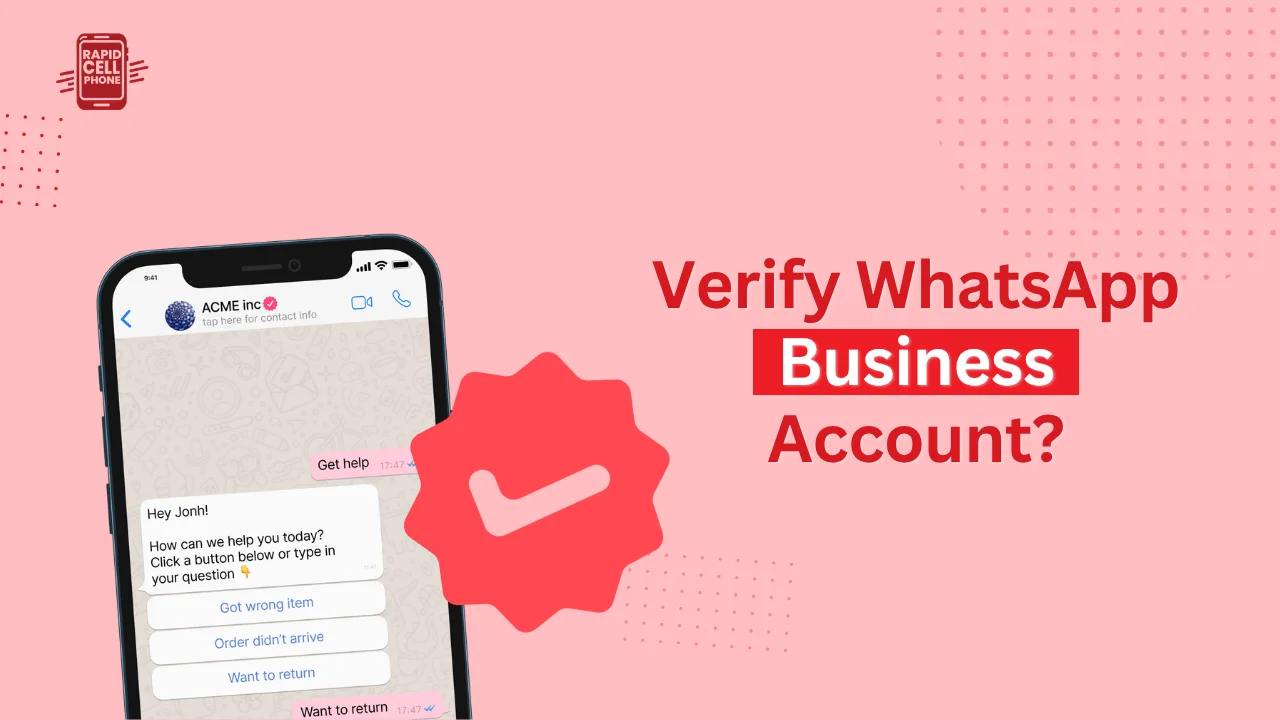

In case you are seeking how to verify WhatsApp Business account, then you are probably trying to build trust, appear more professional, and be distinguished among the competitors. WhatsApp verification is now not only a nice-to-have but is becoming a necessity to businesses that depend on communication with customers.
In this step-by-step guide, you will know how to get business WhatsApp verified, what are the requirements, and how you can increase your chances of approval in a short period of time.
Table of Contents
What Is WhatsApp Business Verification?
WhatsApp Business verification is the procedure that is performed by the Meta Platforms, during which your business identity is checked and verified. After this, WhatsApp will accept your business as genuine, something that enhances credibility and trust among clients.
Upon verification, you can use your business name rather than a phone number in the chat. This will give your brand a more professional appearance and will increase customer confidence that they are dealing with a legitimate business and not an unknown person.
It is critical to realize that verification is more about identity verification, than visibility. Most companies believe that verification provides the blue tick automatically and that is a different process.
Understanding the Two Types of WhatsApp Business Verification
You must get the two levels of verification clearly understood before you initiate the process, as one of the greatest mistakes that businesses make is to get the two levels of verification mixed.
Business Verification (Standard Verification)
It is the initial and the most critical step. It is done within Meta Business Manager and is involved in the validation of your legal identity as a company. This is the phase when you present official business documentation, and Meta verifies the existence and legitimacy of your business.
This form of verification is necessary when you wish to have access to advanced features such as the WhatsApp API or scale up your messaging operations.
Official Business Account (Blue Tick)
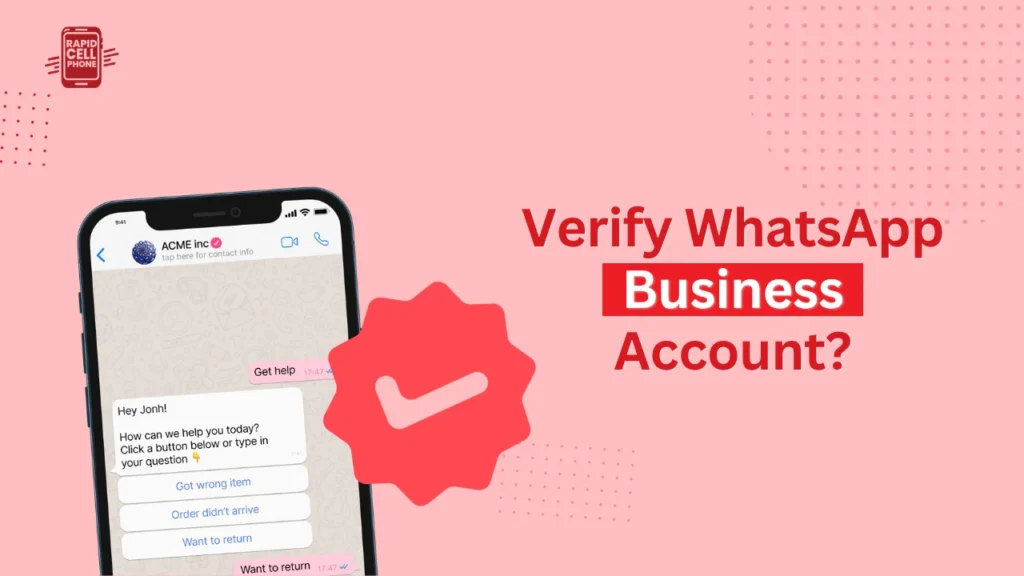
The second tier is the Business Account, which is known as the blue tick badge. This is what the majority of brands strive to achieve since it is publicly visible and is an indication of great authority.
The blue tick is however much stricter to be condoned. In spite of having a verified business, Meta might still deny your badge request, which can be caused by a lack of strong online presence or recognition of your brand.
Requirements to Verify WhatsApp Business Account
Your business will have to satisfy some prerequisites before commencing the process. Meta judges on the credibility of your information and its accuracy and consistency on various platforms.
You should have a registered business, well documented with a business license or tax certificate. Your business name should be identical in all the documents, your Web site, and in your Meta Business profile. Even minor discrepancies would result in rejection.
Another important requirement is a professional site. Companies that do not have a web site or those that have poorly made web sites are likely to be postponed or rejected. The website that you use is verified by Meta to check its legitimacy, branding, and general trustworthiness.
Moreover, you ought to have a business email address that matches your domain name and not a generic email service. It is also necessary to have a special phone number that has not been used on personal WhatsApp.
Lastly, it must have access to Meta Business Manager since it is where all verification processes are done.
How to Verify WhatsApp Business Account: Step-by-Step
It will be a lot easier to complete the process step-by-step to avoid making mistakes.
Setting Up Meta Business Manager
The initial process is to be able to create or log on to your Meta Business Manager account. This is the control center to your business identity on WhatsApp and other Meta services.
After getting in, you will be required to enter your business details such as your legal business name, address, and the web site. It is imperative that this data should be exactly the same as on your official papers, anything different will postpone or prevent verification.
Starting the Verification Process
Once you have created your profile, visit the Security Center in Business Manager. Here, you will have the option to start verification. After clicking on Start Verification, Meta will take you through a systematic process.
You will be requested to fill your business details once again and choose your business category. At this point accuracy is important because Meta is cross-checking your records with those of the government and your online presence.
Submitting Business Documents
The second step is to upload official documents. These normally consist of your business registration certificate, tax identification documents or any government issued evidence of the existence of your company.
Meta checks on these documents to ensure that your business is registered and existing as per the name you have given.
Confirming Contact Information
After you submit your documents Meta will check to see your contact information. This is normally done by using a verification code which is sent to your business email or phone number.
Successful entry of such a code will ensure that you are accessing the business contact information belonging to your account.
Completing Security Requirements
Two-step verification taking place in the WhatsApp Business account will be required to reinforce your account. This provides an additional security level and is frequently necessary prior to progressing.
Applying for the Blue Tick
Once your business has been verified you are eligible to apply to the Official Business Account status. This is not necessary but very useful should you desire the blue tick badge.
Before deciding on awarding the badge, Meta will examine your brand presence on the internet, what the media says about it, and how credible it is.
Waiting for Approval
After all the submissions are made, the last thing to do is to wait. It might take some days up to a number of weeks to get approval, depending on the speed with which Meta checks your information and evaluates your business worthiness.
How to Get Business WhatsApp Verified Faster
Although the procedure itself is set in stone, you can maximize your possibilities of a quicker approval.
A good and consistent online presence is one of the most significant ones. All of your business information: name, address and branding should be the same in your site, social media pages, and business directories. Any discrepancies may bring doubt and bring the process to a halt.
An official site, with a clear branding, contact information and appropriate content stands a big chance of being accepted. Companies that seem to be well established and operational are more apt to be checked faster.
A domain-based email, as opposed to a generic mail, is also used to establish trust. Moreover, being active on WhatsApp and communicating with customers can be evidence to Meta that your company is active and legal.
Common Reasons Verification Gets Rejected
Most businesses are not rejected due to ineligibility, but they missed some pertinent details.
Mismatched information is one of the most prevalent problems. In case there is some slight difference between documents and your online presence in the name of your business or address, Meta can decline to approve your application.
Absence of a robust online presence is another significant cause. Companies that lack a web presence or those with a small online presence may have difficulties in demonstrating credibility.
Rejection may also be caused by the use of personal WhatsApp account rather than a business account. Meta anticipates companies to have professional arrangement.
Breaking of policies, lack of documentation or vague business categories are other things that can harm your application.
Benefits of WhatsApp Business Verification
Verifying your WhatsApp Business account has a number of long-term benefits.
To begin with, it establishes instant customer trust. By viewing a legitimate business name rather than just a random number, people will have more chances to reply and interact.
Verification helps to build your brand as well. It guarantees your business is known throughout the interactions, enhancing customer experience and retention.
Moreover, trusted businesses usually have increased communication efficiency, response rate, and conversion rates. It is also less vulnerable to impersonation and your brand as well as your customers are safeguarded.
WhatsApp Business Verification vs Blue Tick
It’s important to clearly distinguish between these two concepts. Business verification is a back-end operation that verifies you and the blue tick is a publicly known badge that signifies brand authority.
The blue tick is not given to every business that is verified and it takes extra credibility and recognition. Being aware of this difference allows to have realistic expectations and avoid confusion in the process.
Final Thoughts
Having known how to verify WhatsApp Business account and how to get business WhatsApp verified, you can now go about the process confidently.
The process is simple, the key is to be as believable and reliable looking online in your business. Maintaining the right information, creating a good digital presence, and using the right process can go a long way in boosting your chances of approval.
Begin the verification process today and take a step closer to creating a trusted and professional presence on WhatsApp.
FAQs About How to Verify WhatsApp Business Account?
How long does WhatsApp business verification take?
It normally takes a few days to two weeks, but this may be extended in case of any extra checks that are needed.
Can small businesses get verified?
Indeed, small businesses are able to undergo standard verification. But it is more difficult to attain the blue tick in the absence of a strong brand presence.
Is WhatsApp business verification free?
Basic verification is free. Nonetheless, other advanced functionalities such as API access or premium services can be costly.
Do I need WhatsApp API for verification?
Although it is not always essential, the API should be used by companies that intend to grow and use all the potential of WhatsApp.
Why was my verification rejected?
Rejection is normally as a result of incongruent information, poor online presence or unfinished documentation.
0 Comments