

The laptop cooling pad has been a much needed accessory to users who require the devices to perform consistently particularly the gamers, designers and professionals who are using heavy programs. Overheating a laptop will automatically reduce the speed of the laptop in order to conserve internal components, this is called thermal throttling. This results in lag, lower FPS in games, and poor performance in general.
A cooling pad will address this issue by enhancing the airflow under the laptop and decreasing the amount of heat generated. This guide will cover all the information you need to know about selecting the best cooling pad for gaming laptops to use with the gaming laptop, how they operate, and the top laptop cooling pads in 2026.
Table of Contents
What Is a Laptop Cooling Pad?
Basic Concept
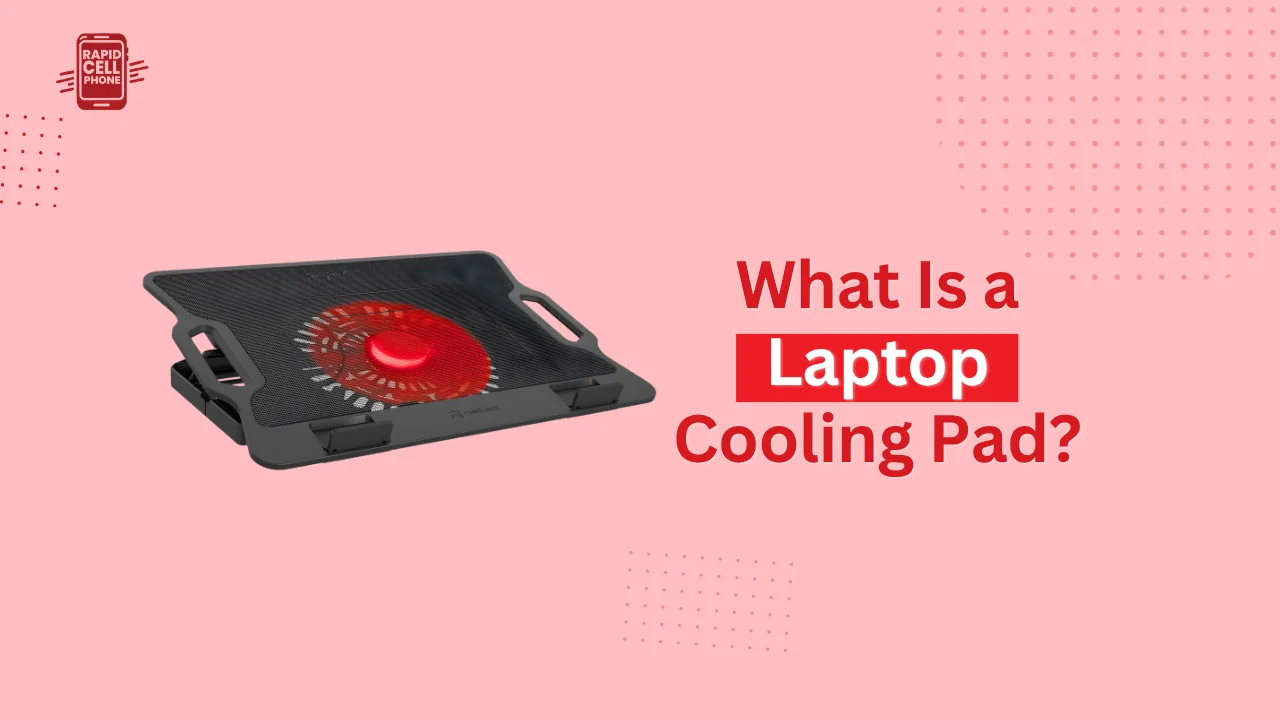
A laptop cooling pad is an external platform that is used to place your laptop on and help in cooling down. A majority of cooling pads include a built-in fan, which is powered by a USB connection.
How It Works
The gadget enhances the circulation of air below the laptop, reaching the high heat concentrations. As the majority of laptops draw cool air at the bottom and push hot air to the sides or rear, the bottom airflow can be enhanced to cool down the overall internal temperature.
Why Laptop Overheating Happens
High-Performance Hardware Heat
Gaming laptops and other modern laptops, in particular, are equipped with powerful CPUs and GPUs in thin shells. Such a small size is bound to generate a lot of heat, which is hard to control when a person performs the most intensive activities such as games, video editing, and 3D rendering.
Poor Airflow Design
These laptops have minimal space to ventilate. Airflow is completely obstructed when they are applied on soft surfaces such as beds, sofas, and this leads to rapid rises in temperatures.
Dust and Long-Term Usage
Gradually dust settles in cooling vents and fans and decreases efficiency and raises the temperatures even in case of regular use.
Do Laptop Cooling Pads Really Work?
Real-World Performance Impact
A good laptop cooling pad will lower the temperatures by several degrees down to several degrees down to more than 10C with different laptops depending on the workload. This reduction in temperature assists in ensuring the stable performance under heavy loads.
When They Work Best
Cooling pads will be most effective in the cases when the laptop is under permanent load. This involves gaming, streaming, rendering, and multitasking of heavy applications.
Limitations to Understand
Although the cooling pads can enhance the airflow, they will not correct internal hardware problems or substitute good maintenance such as cleaning of fans or changing thermal paste. They are to be regarded as an aid, rather than an all-inclusive cooling system.
Key Features of a Good Laptop Cooling Pad
Airflow Design and Fan Quality
The efficiency with which the cooling pad moves air is the most important factor. Big fans that have more airflow are usually more effective than small, ornamental fans. Other models concentrate on directed airflow to specific regions of heat to enhance performance.
Build Material and Stability
It is better to use metal mesh-like surfaces that can conduct heat better. It is also necessary to have a stable and non-slip design, particularly when it comes to more bulky and heavier gaming laptops that create more vibration when using them.
Noise Levels During Operation
The fans that are high-performance are usually noisier. Other consumers are more willing to use less noisy models that balance cooling performance against noise, particularly in an office or shared setting.
Compatibility and Size Support
Cooling pads come in various sizes of laptops. Depending on your screen size, particularly when using a 17-inch or bigger gaming laptop, you should select a model that accommodates your size.
Best Cooling Pad for Gaming Laptop (2026 Guide)
High-Performance Gaming Cooling Pads
The power of the GPUs and CPUs in gaming laptops necessitates the use of aggressive cooling systems. High-performance cooling pads have several high-speed fans which force huge amounts of air under the device. They are best suited to the long gameplay where long-lasting performance matters.
Budget-Friendly Cooling Pads
Budget cooling pads present a good compromise between performance and cost to casual gamers or students. These models typically have one or two big fans and can offer maximum cooling to play games daily and do multiple tasks.
Heavy-Duty Cooling Solutions
Certain laptops become too hot when used intensely, particularly the old fashioned or ultra thin gaming laptops. Special heavy-duty cooling pads are made to accommodate these situations, providing as much airflow as possible and a large area contact, to minimize thermal buildup.
Large Laptop Cooling Pads for 17-Inch Devices
Gaming laptops of larger size have to have longer cooling platforms in order to accommodate their weight and size. These cooling pads offer a steady support and will guarantee airflow to all the areas of crucial heat on the base of the laptop.
Quiet Cooling Pads for Hybrid Use
Quiet cooling pads are best suited to users who alternate between work and playing computer games. These models lower the noise of the fans as well as offer constant airflow and can be used in offices.
Cooler Master Laptop Cooling Pad Overview
Why Cooler Master Is Popular
The Cooler Master laptop cooling pad line is currently reputed to have high-quality engineering and commitment to performance cooling. The brand is well-established in the PC cooling business, which is reflected in trusted cooling solutions of laptops.
Performance and Build Quality
The cooling pads made by Cooler Master are usually made of durable metal construction, well-designed airflow systems and ergonomic positioning. These attributes render them to the users who are interested in long-term performance and durability.
Who Should Buy It
These cooling pads will be most appropriate with gamers, content creators, and professionals who frequently subject their laptops to high performance and demand thermal regulating stability.
Top Laptop Cooling Pads in 2026
Gaming-Focused Cooling Pads
These are specifically meant to be used by high end gaming laptops. They concentrate on the highest airflow, several fans and powerful cooling capabilities in the case of intense gaming.
Portable Cooling Pads
Users who travel a lot can use the lightweight and slim designs. These cooling pads are moderate coolers and easy to transport.
Ergonomic Cooling Stands
Other cooling pads also serve as laptop stands, which can be more comfortable to sit on and type, as well as allow more air to pass beneath the device.
RGB Cooling Pads
Cooling pads that are aesthetic-oriented and have RGB lights are favored by gamers. Although they increase visual appeal, performance should give precedence before lighting features.
How to Use a Laptop Cooling Pad Properly
Correct Placement
Always put the cooling pad on a hard surface and flat. Beds or cushions prevent airflow and can decrease effectiveness.
Aligning Airflow
Make sure that the vents of the laptop are aligned to the cooling pad fans. The lack of alignment decreases cooling efficiency.
Maintenance and Cleaning
It is important to regularly clean the vents of the laptop and the cooling pad fans. The accumulation of dust may decrease the performance and airflow.
Common Mistakes Users Make
Focusing Only on Appearance
Cooling pads are often selected by many users due to RGB lighting or design, not performance. Although it does count on how it looks, airflow efficiency is much more critical.
Ignoring Laptop Size Compatibility
Having a large gaming laptop on a small cooling pad can decrease stability and cooling efficiency.
Expecting Extreme Cooling Results
Cooling pads are able to enhance temperatures but cannot do away with all the heat generated by high-performance hardware.
Conclusion
A laptop cooling pad is a cheap but effective product in dealing with the heat in laptops and keeping them cool. Regardless of whether you are a gamer, student or professional, selecting the appropriate cooling pad can dramatically enhance the comfort and stability of your system.
In the case of gamers, they can invest in a best cooling pad for gaming laptop to keep their gaming laptop cool or in a more upscale choice such as a Cooler Master laptop cooling pad, which will allow them to have a better thermal control in case of the long and intensive gaming sessions.
FAQs
What is the main purpose of a laptop cooling pad?
It assists in cooling the laptop down because it enhances airflow under the laptop to avoid overheating and decrease in performance.
Are cooling pads necessary for gaming laptops?
They are very suitable in gaming laptops as they ensure that there is stability in performance even when playing games over extended periods.
Do more fans mean better cooling?
Not always. The quality of fans, their direction, and pad design are more important than the quantity of fans.
Can a cooling pad increase laptop lifespan?
Yes, it can contribute to prolonging the lifespan of internal components by lowering the overall heat stress.
0 Comments