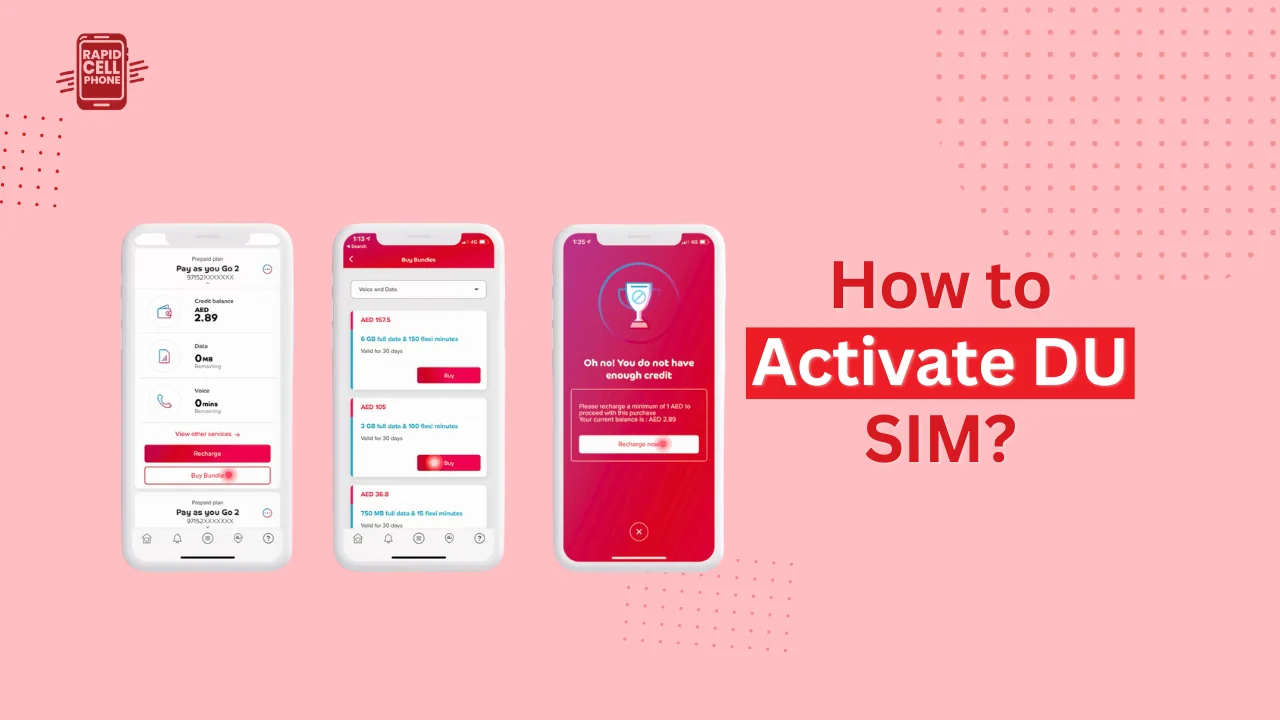

There is an easy process of activating a DU SIM card in the UAE, yet, most people become confused when the procedure depends on whether you are using a tourist SIM, regular prepaid/postpaid SIM, online activation, or a DU business SIM card. Just purchased a DU SIM and need to know how to make it work, then this guide will take you through all that you need to know.
This step-by-step guide includes the how to activate DU SIM, including DU tourist SIM activation, online SIM activation, and business SIM card activation,as well as the description of the most frequent problems and their solutions.
Table of Contents
What You Need Before Activating a DU SIM
It is essential to prepare the necessary documents and set them aside before beginning the process of activation. DU abides by UAE telecom rules; this implies that identity checks are required whenever activating a SIM.
In the case of tourists, they will need a valid passport with a matching UAE entry stamp or visa. Emirates ID is also required of residents of the UAE, and authorized company documents are necessary to obtain business SIM cards. You need to have an unlocked phone that supports life in the UAE, be it a physical SIM or eSIM.
After these prerequisites are in place, DU SIM activation can typically be completed within a few minutes.
How to Activate DU SIM Card
The majority of users turn on their SIM card right after their purchase, be it in a DU store, an airport kiosk, or an authorized reseller.
Insert the DU SIM Card
Begin by putting the DU SIM card in your phone and power the phone. When the SIM is detected correctly, the DU network will appear within a few seconds.
You will in most instances receive a welcome SMS with instructions or confirmation that the activation process is in action with DU.
Complete Identity Verification
Activation of DU SIM involves verification of identity. You can be required to enter details like passport number, birthday date or Emirates ID depending on your SIM type.
When the verification is successful, DU automatically processes the activation.
Activation Confirmation
As soon as the SIM card is completely active you will be sent a confirmation SMS. At this stage, you are able to make calls, send messages and use mobile data.
How to Activate DU SIM Online
Online activation is fast and does not need visiting any store, which is why many users prefer it. DU also offers online SIM activation on its official site and mobile application.
Online Activation Process
In order to use a DU SIM online, one should go to the DU webpage or open the DU mobile application, log in or create an account, and refer to SIM activation section. You will be requested to input your SIM number and upload your identification documents (passport or Emirates ID).
Once you have supplied the information, DU will be electronically verifying you. Activation in most cases takes a few minutes but may take several hours during the peak periods.
Activation is also possible online particularly when the user buys SIM cards in retail outlets or when they get SIMs through courier.
How to Activate DU Tourist SIM
Tourist SIM cards are short-term cards and are usually sold in airports, hotels and DU shops. The process of activating a DU tourist SIM is not very complicated and is somewhat different than regular SIM cards.
Tourist SIM Activation Steps
Once you have inserted the DU tourist SIM in your phone, you will get a text message asking you to confirm your identity. This typically includes the dialing of USSD code or passport information may be entered by quick verification.
Tourist SIMs are usually activated once they have been verified, so that as soon as a visitor arrives in the UAE, he/she will be able to keep in touch.
Tourist eSIM Activation
DU also provides tourist eSIM services. To enable a DU tourist eSIM you just need to scan the QR code with your phone eSIM settings. After the installation, you verify the passport using the DU app or online portal.
This is the best option a person with a two-SIM telephone intends to stay away of physical SIM cards.
How to Activate DU SIM Using the DU App
The DU mobile app is one of the simplest methods to activate and manage your sim.
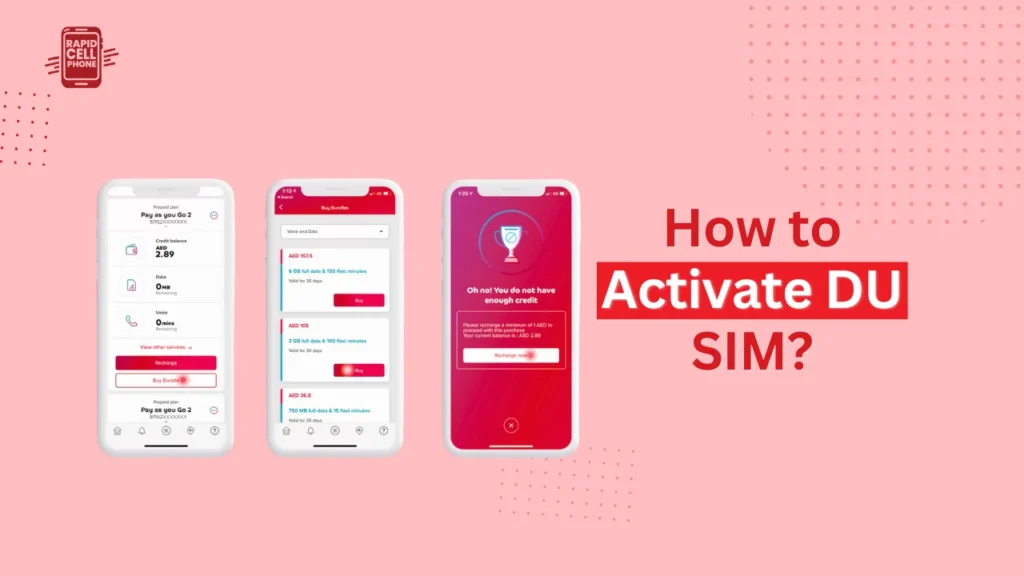
Once you have downloaded the app in the App Store or Google Play, log in with your mobile number or account. On the dashboard, choose the SIM activation option and then inform the instructions on the screen.
The application will enable you to post files, check the identity, and monitor the activation real-time. This process can be applied to prepaid, postpaid, tourist, and even business SIM cards.
How to Activate DU Business SIM Card
DU business SIM cards have been created to suit companies and businesspersons that require secure connection of networks to serve many users or the corporate services.
Business SIM Activation Process
Just insert your SIM card in the device and then log in to the DU Business portal to activate the card. You will be required to provide company registration documents, Emirates ID of the authorized signatory, and any necessary authorization letters.
The SIM card is activated once DU checks the documents. The activation of Business SIMs can be a little more complex than that of personal SIMs because there are extra compliance checks.
Managing Business SIMs
Once activated, business users will have the option to manage lines, use of data, and billing via the business dashboard of DU. This is a centralized management, which is among the major advantages of DU business SIM cards.
eSIM Activation for DU SIM Cards
eSIM technology enables you to activate a SIM without physically inserting a card. DU provides eSIM activation to specific devices.
In order to switch on a DU eSIM, ask DU to send you an eSIM profile, scan the QR code with your eSIM settings, and verify your identity. The eSIM automatically connects to the DU network once it is installed.
eSIMs are particularly beneficial to travellers, business users, and individuals that desire dual-SIM capabilities.
How Long Does DU SIM Activation Take?
DU SIM activation, in the majority of cases, is instant or needs a few minutes. Tourist SIMs are commonly activated on the point of sale, whereas online and business SIM activations may take a few hours.
A delay in activation may be caused by a failure of document verification or network problems.
Common DU SIM Activation Problems and Solutions
There are also cases when users encounter delays or problems during activation. Incorrect or incomplete identity verification is the most common issue. Ensure that any documents uploaded are readable and valid.
When your SIM gives you No Service, restarting your phone or turning off airplane mode may help. To solve intractable problems, DU customer support should be called or visit a DU store.
Final Thoughts
By knowing how to activate DU SIM , it is easy and hassle-free to remain connected in the UAE. You may be a tourist who needs an immediate connection, a resident who is switching on a personal SIM or a business that needs to establish several lines, DU also has a variety of activation methods such as online, app-based, and eSIM activation.
Using this guide, turning on your DU SIM card will be unproblematic, and you will be able to make and received calls, use the Internet and messaging without any delays.
FAQs About How to Activate DU SIM?
Is DU SIM activation free?
Yes, DU SIM activation is free in most cases. The SIM card itself or plans chosen can, however, be associated with costs.
Can I activate a DU SIM before arriving in the UAE?
In some cases, tourist eSIMs are installed prior to arrival, although full activation is not complete until you arrive in the UAE and can identify yourself.
Do I need Emirates ID for DU SIM activation?
Tourists can use a passport, and UAE residents and business users are required to use Emirates ID.
Can I activate multiple DU SIM cards under one name?
Yes, however DU can restrict the number of active SIMs per person according to regulations.
0 Comments