
It can happen that you forget your mobile number more easily than you would think, particularly when you have just bought a new SIM or inserted it into a second phone. Every day, thousands of UAE users seek the answer to the question of how to check du sim number, and DU has simplified it by proposing several official ways to do it.
Regardless of whether you have a prepaid or postpaid SIM, this guide will take you through the process of how to check my du sim number using USSD codes, SMS, mobile settings, the DU app, and customer care. Each of the methods is described in detail so that you can decide which one to use.
Table of Contents
What Is a DU SIM Number and Why Is It Important?
The mobile number of your SIM card provided by DU (Emirates Integrated Telecommunications Company) is known as a DU SIM number. This is a registered number that you use to conduct any communication, verification, account-related tasks using your Emirates ID.
Your DU SIM number is a key requirement when it comes to recharge your balance, buying mobile data plans, installing WhatsApp or banking applications, receiving OTPs, and communicating with customer service. Even simple activities may be annoying when you do not know your number.
That is why, learning how to check du sim number in a short time is a significant factor every DU user in the UAE should know.
How to Check DU SIM Number Using USSD Code
The USSD system is the quickest and surest means of locating your DU SIM number. It does not need the internet, balance or smartphone.
Dialing the Official DU USSD Code
To check the DU SIM number by using USSD code, open your phone dialer and dial *116#. When you press the call button, your DU mobile number will appear on the screen in several seconds.
The technique is efficient on both Android and iPhones as well as simple feature phones. It is the most advisable to those who search how to check my du sim number instantly.
In case the number is not visible, make sure the DU SIM is turned on and properly inserted.
How to Check My DU SIM Number Through SMS
In case the USSD number is ineffective in your gadget, DU also offers SMS-based services that are just as effective.
Checking DU SIM Number via SMS Command
You may also send the word NUMBER to 1355, or getmymsisdn to 9296. In a few moments you will get a message showing you your DU SIM number.
A big plus to this approach is that it is effective even when you have no balance. It is also compatible without mobile data or Wi-Fi hence suitable during emergencies.
How to Check DU SIM Number Using the DU Mobile App
Users who enjoy handling everything online will find the My DU mobile application an effective tool.
Finding Your DU SIM Number in the My DU App
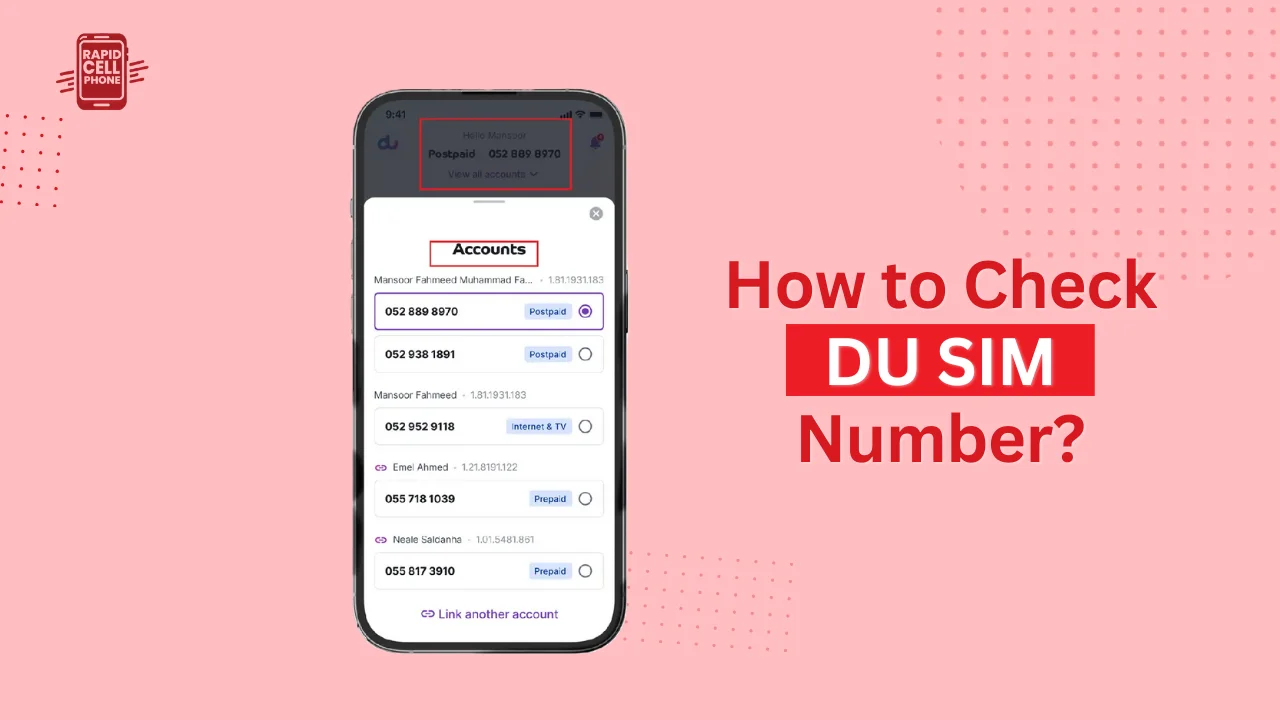
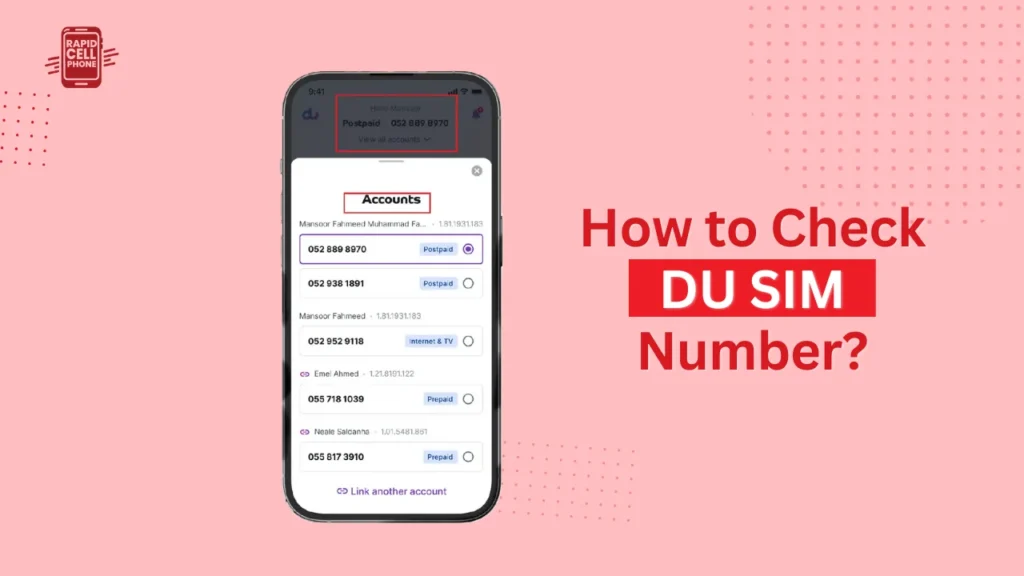
Once you have downloaded the My DU application in either the App Store or the Google Play Store, sign in with your DU SIM. After logging in, navigate to the account or profile section. Your registered DU SIM number will be visible alongside other account information.
Such an approach is particularly helpful when you need to control your balance, monitor the active packages, access billing status, manage various DU numbers at once, and so on.
How to Check DU SIM Number from Phone Settings
Contemporary smartphones frequently save the SIM number within the system settings but check with the specific device and operating system.
Checking DU SIM Number on Android Devices
On Android devices, open Settings and choose About Phone. There, choose Status or SIM Status. Your DU SIM number will appear, provided your phone supports it.
Checking DU SIM Number on iPhone
In an iPhone, navigate to Settings, and under the Phone menu, find My Number. Your DU SIM number might be provided
When the number indicates that it is Unknown or has No Number, then do not worry. This is usually a restriction on most devices and you can employ one of the other approaches that will be mentioned in this guide.
How to Check My DU SIM Number by Calling Another Phone
One of the simplest and most widespread ways is to call or text a person you know.
Using a Call or SMS to Reveal Your Number
Make a call or send a text message to a different phone and request the person receiving the message to read the number on the screen. It is compatible with every phone and does not include settings, applications, or codes.
This is a very useful technique when your SIM is in use but the other alternatives are not available at that time.
How to Check DU SIM Number from SIM Card Packaging
When you have just purchased a new DU SIM, your number can be on the original SIM card holder or purchase receipt.
The assigned mobile number can be found in the SIM jacket, a welcome leaflet or the invoice. This can be used when the SIM is not fully activated.
How to Find DU SIM Number from Welcome or Activation Messages
When a new SIM is activated, DU normally sends a welcome or activation SMS.
Searching for Activation Messages
Open your inbox and look up the keywords of DU, Welcome, or Activated. In most of the instances, the SMS contains your DU SIM number.
It is a useful alternative when you are not in possession of the SIM packaging.
Contact DU Customer Support to Check SIM Number
In case all the self-service means are ineffective, DU customer support can help you.
Getting Help from DU Support
To call DU customer care in the UAE, dial 155. To verify the ownership of SIM, the support team might request verification of identity, including your Emirates ID.
In case the SIM is blocked or inactive, a visit to a DU store might be necessary.
Common Issues When Checking DU SIM Number
In some cases, users experience problems locating their number.
USSDs can break in case the SIM is not active or because of a temporary network outage. The phone settings can indicate an unknown number because of phone restrictions. The most suitable alternatives in such cases are SMS or customer support methods.
Conclusion
Learning how to check du sim number can make you save on time, stress, and avoidable trips to service centers. DU offers numerous official ways of staying in touch: USSD codes, SMS, mobile applications, and customer support, which means you have an alternate way to get in touch at all times.
The fastest is to dial in at the code of dialing; should be in the form of inlet of numbers, in this case, it is; this is dialing; and, in this context, is the latest DU application. When you identify your number, store it in your contact so that you do not have to revisit the inconvenience in the future.
FAQs About How to Check DU SIM Number in UAE?
How to check my DU SIM number without balance?
Dial 116 5 or send getmymsisdn to 9296. Neither of the two works in balance.
Can I check my DU SIM number without internet?
Admittedly, USSD codes and SMS techniques do not need the internet.
Does this work for prepaid and postpaid DU SIMs?
Yes, the above methods are applicable to both prepaid and postpaid users.
What is the fastest way to check DU SIM number?
The fastest and the surest way is 116#.
0 Comments